
Controls
Meccha Chameleon Controls
Start with the controls that decide most rounds: movement, camera lock, paint mode, the eyedropper, pose selection, and voice toggles. Once those feel automatic, hiding spots and hunter routes become much easier to test.
Basic keyboard controls
Use these keys before joining a public room. Movement and camera control keep you alive while you search for a hiding spot, and the lock, pose, paint, and voice keys are the ones beginners miss most often.
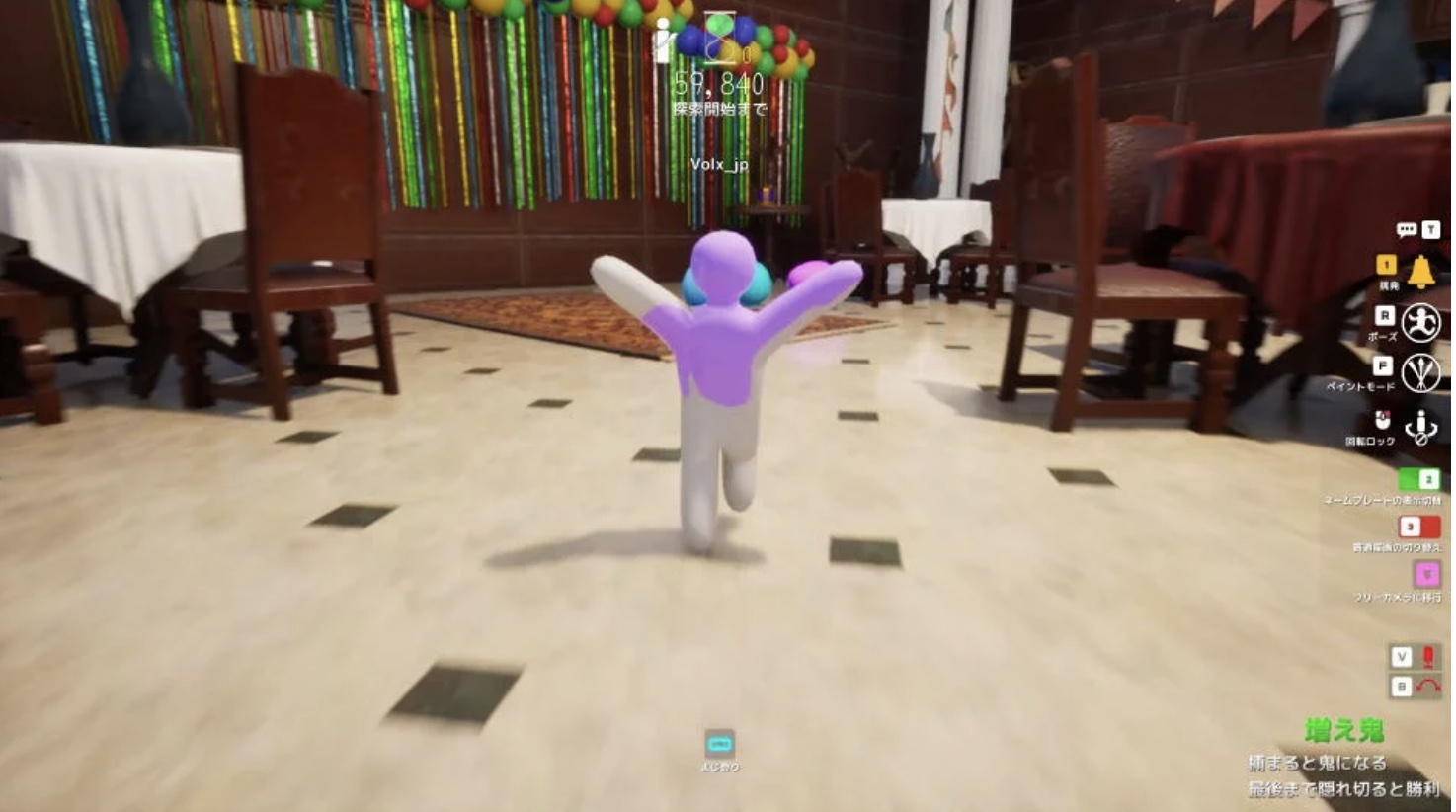
In-game key guide
Use the on-screen guide to confirm movement, paint mode, lock, free camera, and voice controls.
- Move: W / A / S / D
- Sprint or unlock: Shift
- Jump, climb, move up, or eyedropper in paint mode: Space
- Move down: Ctrl
- Pose menu: R
- Paint mode: F
- Screen lock: Right click
- Voice chat on/off: V
- Voice mute on/off: B
Paint mode controls
Paint mode is where most good hiding spots are made. Pick colors from nearby props, change brush size for small leftovers, rotate the camera around your body, and check whether white parts, shadows, or bright edges still stand out.
- 3D eyedropper: hold Space
- Brush size: right click and move the mouse left or right
- Toggle shadow: V
- Rotate camera: middle mouse, or Alt + left click
- Zoom: mouse wheel, or Alt + right click
Practice before online rooms
Keyboard and mouse are the safest default because painting, camera movement, and pose control need quick precision. If you use Steam Input or a controller, test painting, camera movement, poses, voice chat, and lobby actions in a private room before playing with strangers.
- Practice switching between movement and paint mode without looking down
- Check your hiding spot from the hunter's angle before the timer ends
- Confirm voice chat and mute keys before joining friends
- Use a private room to tune mouse sensitivity and controller mapping
Frequently Asked Questions
Are Meccha Chameleon controls hard?
Movement is simple, but paint mode, poses, and free camera matter a lot. Learn F, R, Space, and 5 early.
Can I play Meccha Chameleon with a controller?
Keyboard and mouse are recommended. If you use a controller, test paint mode and camera controls before playing online.